Photo Scan Documents
Capture signs, printed pages, and paper documents with your camera, then view the recognized content right away.
Snap it. Hear it. Translate it.
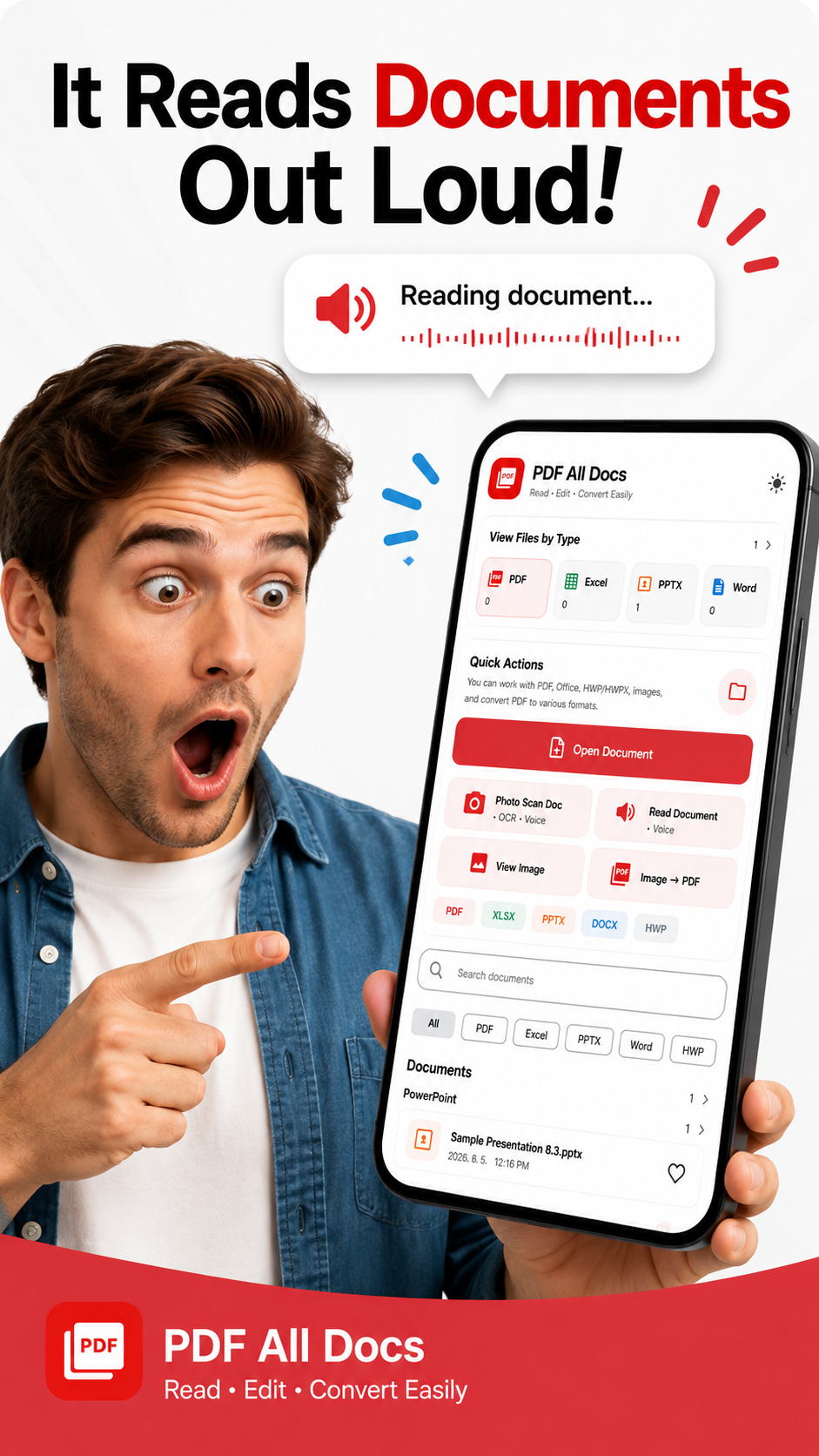
PDF All Docs goes beyond a simple PDF and Office viewer. Scan paper documents with your camera, listen to them out loud, extract text with OCR, translate content, and edit or convert PDFs in one app.
Capture signs, printed pages, and paper documents with your camera, then view the recognized content right away.
Listen to document content when the text is too small, your eyes are tired, or your hands are busy.
Turn words inside images into usable text that is easier to copy, save, search, and share.
Understand foreign-language signs, notices, and documents by scanning them and translating the extracted text.
Read PDFs, make useful edits, convert images to PDF, and handle everyday document conversion tasks in one place.
Open PDF, Word, Excel, PowerPoint, HWP, and image files quickly without switching between multiple apps.
Shorts campaign
Just like the message “I just Snap, It Reads!”, users can capture a document and let the app read it aloud, then continue into OCR text extraction and translation when needed.